01 — Desktop macOS · Windows
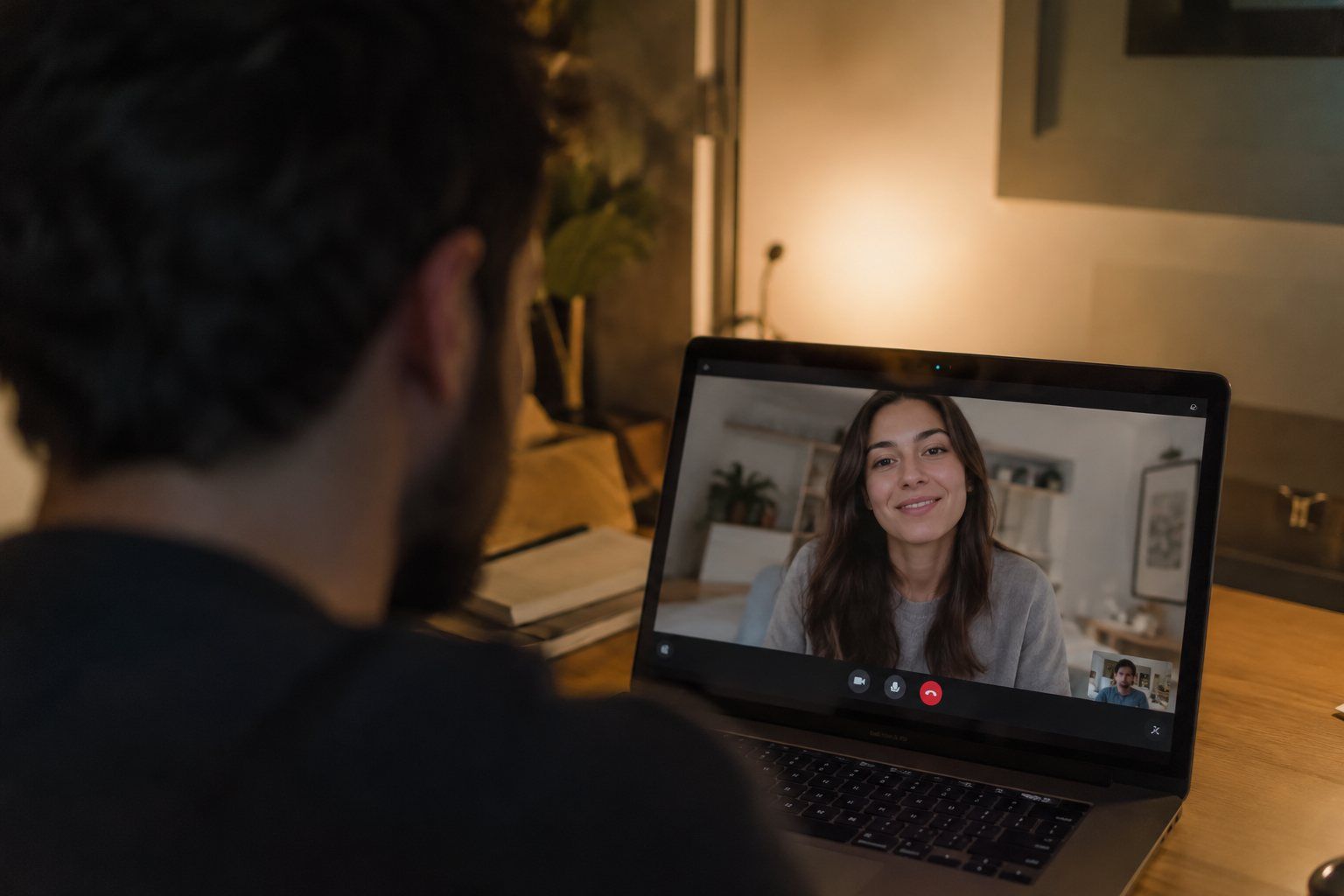
Teams, Zoom or Meet. No bots.
Record system audio from the menu bar.
- Audio System and microphone, with a level meter
- Offline Pending uploads retry on their own
- Works with Any video-call app
AI meeting minutes
Record the meeting and get the transcript by speaker, the agreements and the minutes ready to sign.
Product
Meetings decide a lot. What they decide is rarely written down. With Dacorda, always.
How it works
It all starts with someone speaking.
From the desktop, your phone or a file.
In Catalan, Spanish or English.
Every contribution, with its speaker and its minute.
The fourth-quarter budget is approved with an adjustment to the suppliers line. Renegotiating a delivery deadline is still pending.
Agreements
What, who and by when.
“…if we adjust the suppliers line.”
“…ask local suppliers for three quotes before November.”
All your meetings, searchable.
Listens. Transcribes. Summarises. Remembers.
Request a demoPlatforms
Desktop, web and mobile. It all ends up in the same place.
01 — Desktop macOS · Windows
Record system audio from the menu bar.
02 — Web Browser
Transcript, summary and minutes for every meeting.
03 — Mobile iOS · Android
Record in person and send it to the right workspace.
Try it with one of your team’s meetings.
Features
No note-taking. No writing it up.
Recognises the voices it already knows.
Each department, its own structure.
Every agreement, with an owner and a date.
PDF or DOCX, in your format.
By keyword or by meaning.
Transcript, summary and interface.
Hear the exact moment.
All of this, with your real meetings.
Integrations · MCP
Connect Dacorda over MCP and ask what was agreed. The answer cites the meeting and the minute.
What did we agree with the HVAC supplier, and who is handling it?
Searching Dacorda · 3 meetings
Answers with sources: meeting, person and minute.
Agreements and owners, over a standard protocol.
Any MCP system, with your same permissions.
Security
Each organisation, its own space. Each person, only what is theirs.
Their own data, members and templates.
Admin, editor or reader.
The assistant only sees what you see.
Ask us in the contact form.
Adapted to each client.
Need to review it with your security team?
Use cases
01 Companies
02 Consultancies
03 Law firms
04 Hospitals
05 Public sector
06 Sales teams
Customers
Organisations that need a record of every meeting already work with Dacorda.

Catalan, Spanish and English. The transcript, summary and minutes come out in the language of the meeting, and the interface is available in all three.
Yes. The desktop app for macOS and Windows records system audio and your microphone, without adding any bot to the call. You can also upload an audio or video file you already have.
It automatically separates the voices in the meeting and recognises people who have registered a voice sample. If a speaker isn’t recognised, you assign them once and it stays corrected.
Yes. Each workspace has its own minutes template, with your logo, fields and structure. The document is produced as PDF or DOCX.
Only members of the workspace, according to their role: admin, editor or reader. The MCP connector applies exactly the same permissions.
It depends on each organisation: data location, infrastructure provider and retention policy are adapted to each client. Ask us in the contact form and we’ll give you the details.
In the demo we propose the plan that fits your organisation’s meeting volume.
Contact
We’ll show you with a real case from your organisation.
We use the technical storage the site needs and, only if you accept, analytics cookies (Google Analytics) to understand how the site is used. You can change your choice at any time from the footer. Cookie policy
Technical (necessary)
Store your cookie choice. They can’t be switched off.